How to run a walking pad challenge with friends in Puffin'
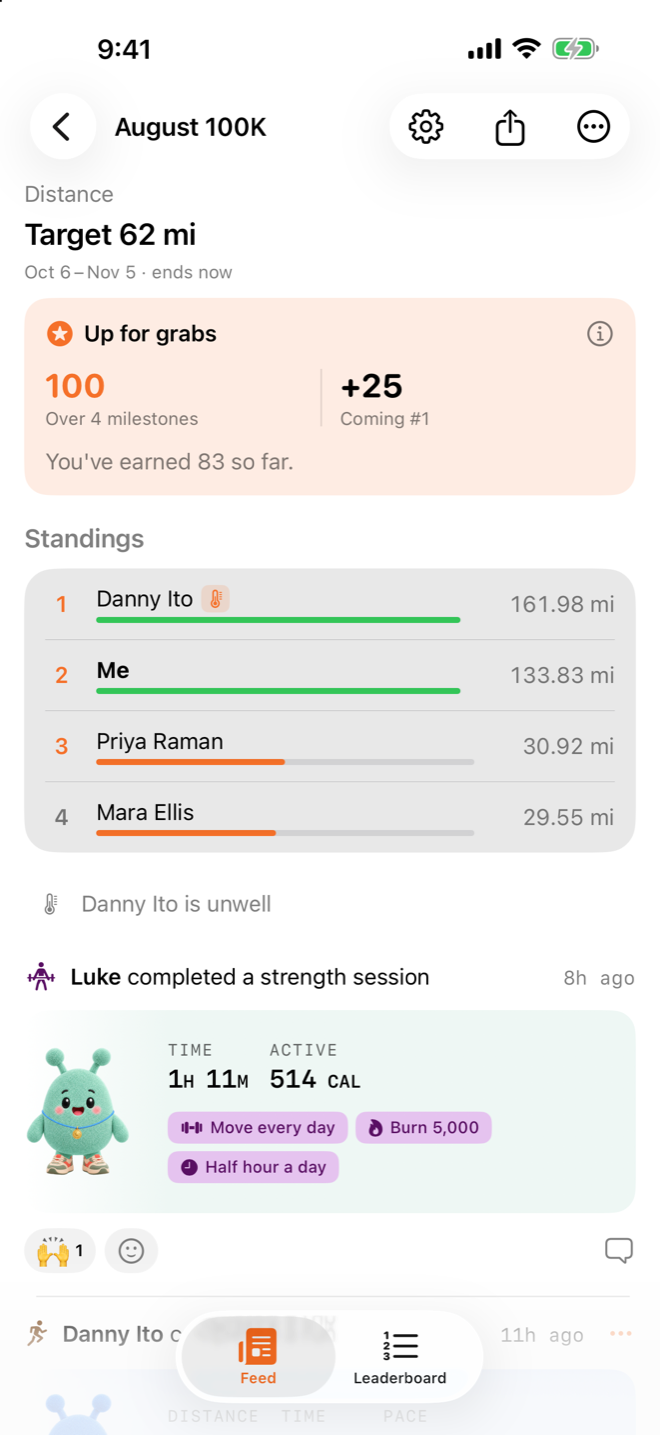
A walking pad challenge is a challenge where you and your friends count the miles you walk on your pads, and see who walks the most. Since version 1.4, Puffin' connects to a WalkingPad or a UREVO walking pad and tracks your distance and steps live, straight from the pad (release notes).
I built Puffin' because the apps I tried with my siblings felt like homework. A walk on a pad by yourself can feel the same way, and seeing a friend's miles go up on the same screen helps.
How a walking pad walk counts in Puffin'
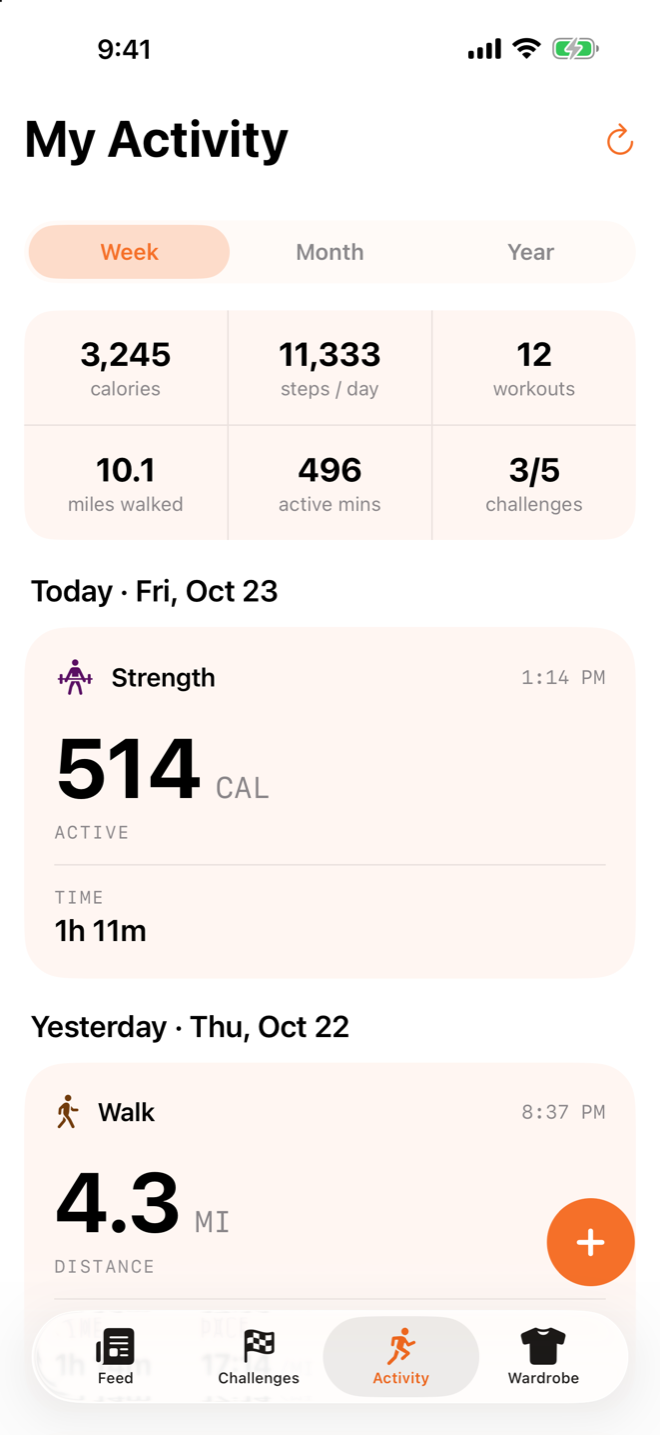
A walk on your pad is saved to Apple Health like any other workout, so it counts in your challenges with nothing to copy over (App Store description). While you walk, the screen shows your distance and steps as the pad reports them.
These are the pads Puffin' connects to today:
| Pad | How Puffin' talks to it |
|---|---|
| KingSmith WalkingPad C2 | Its own Bluetooth protocol |
| UREVO walking pads | Standard Bluetooth fitness machine protocol (FTMS) |
The puffin itself sits this one out. Short legs.
How to set up a walking pad challenge
Make a Distance challenge and share its code with your friends.
| Step | What you do |
|---|---|
| 1 | Open the Challenges tab, tap +, then New challenge |
| 2 | Pick Distance as the metric. Set a target for the whole challenge, each day or each week, or leave it off |
| 3 | To count only walks, turn off All workouts under Included workouts and pick Walk |
| 4 | Open the challenge and tap the share button. It sends a six-character code and a link that opens Puffin' |
| 5 | Your friends open Challenges, tap +, then Join with code |
A challenge can also run on time, active calories, workouts or steps (App Store description). Distance is the one that matches what the pad measures best.
How to record a walk on your pad
Start an indoor walk on the Activity tab and connect your pad before you step on.
| Step | What you do |
|---|---|
| 1 | Turn the pad on. Close KSFit or the UREVO app first, because a pad takes one connection at a time |
| 2 | On the Activity tab, tap +, then Record a workout |
| 3 | Pick Walk, then Indoor, then tap Connect device & start |
| 4 | Tap Find device, connect to your pad, then tap Start device walk |
| 5 | When you're done, tap End and save walk |
The first time, Puffin' may ask you to press start and pause on the pad's remote. That's how it knows the pad is yours and not a neighbor's, before it controls the belt for you.
Can you use Apple Watch on a walking pad?
Yes. Puffin' has had an Apple Watch app since 1.4, and on a walking pad you can run the belt from your watch too (release notes). Tap the flag on the watch to see where you stand in each of your challenges.
The Watch app needs watchOS 11 or later. The iPhone app needs iOS 18 or later.
What it doesn't do yet
Puffin' connects to WalkingPad and UREVO pads only. On any other treadmill, pick Indoor when you record a walk, and Puffin' times it (release notes).
When you're done on another treadmill, you add the distance or pace and the calories yourself. It still counts in your challenges once it's saved.
Got a pad that isn't on the list? Send us its brand and model and we'll look at adding it.
Try it
Start a Distance challenge and send the code to whoever owns the other pad in your family. Puffin' is free on the App Store for iPhone and Apple Watch. More at startpuffin.com.