
Puffin’ Blog
Guides, updates and stories from Puffin’.
-
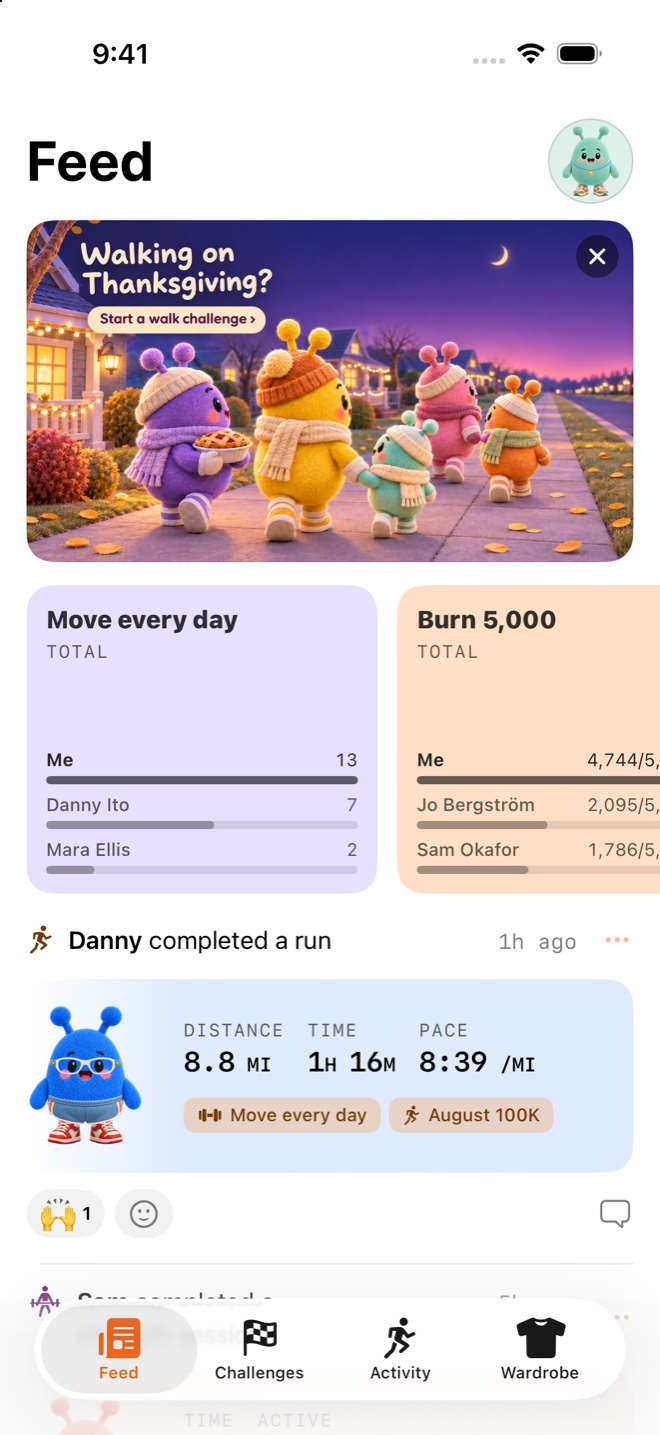
What's new in Puffin' 1.5.2: your own rest, and a Turkey Trot
Puffin' 1.5.2 lets you set your own rest on Apple Watch, smooths out the Watch during a rest, and adds a Turkey Trot for Thanksgiving.
-
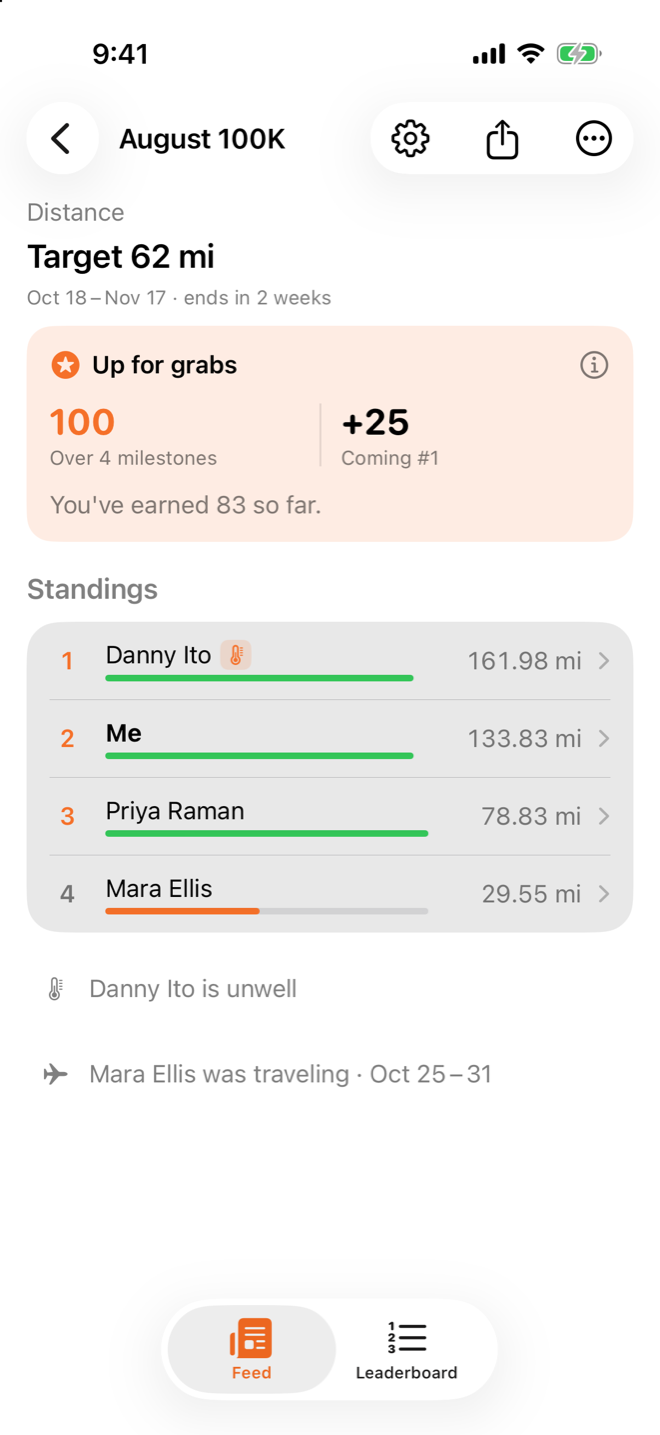
What's new in Puffin' 1.5.1: choose your week, and first names
Puffin' 1.5.1 lets you start your week on Sunday or Monday, and names everyone in the Feed by first name.
-
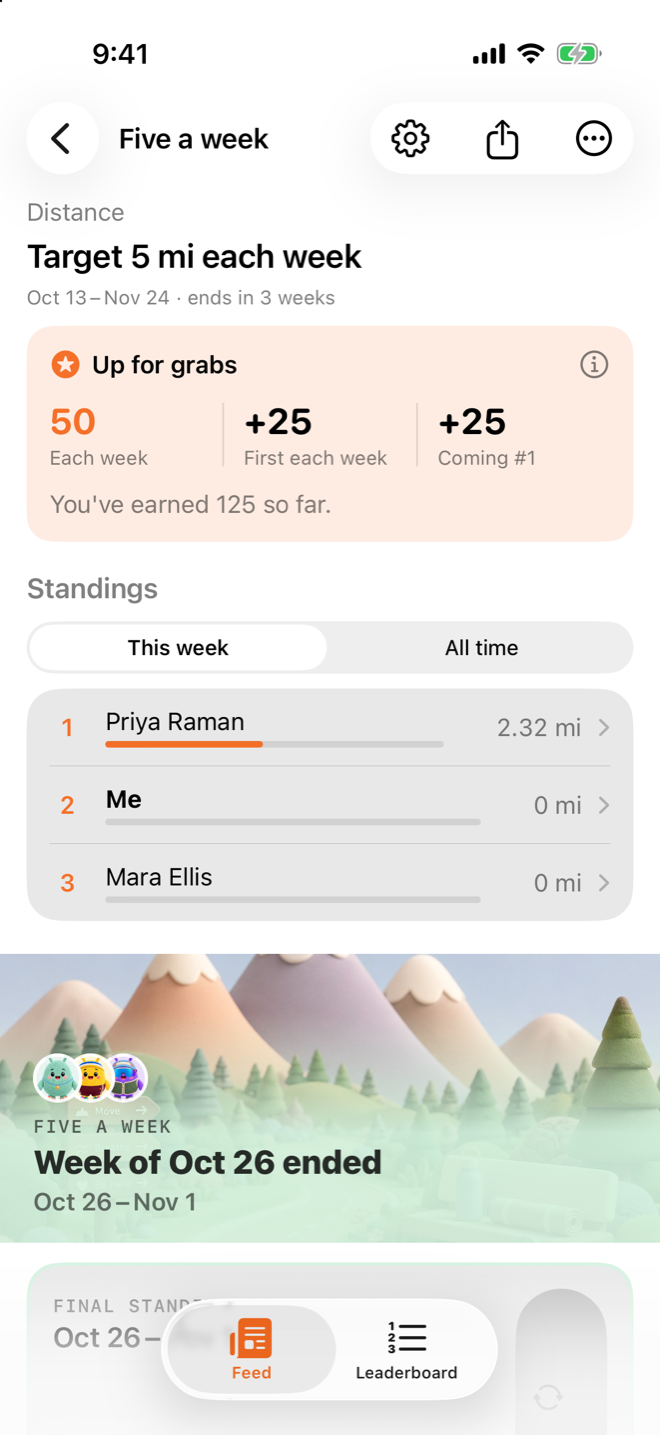
What's new in Puffin' 1.5: invite links, treadmills and Siri
Puffin' 1.5 adds invite links that show the challenge, workout edits, close-outs, treadmill support, Siri and rest timers on Apple Watch.
-
How to see your weekly workout summary on iPhone in Puffin'
Puffin's My Activity sums up your workouts from Apple Health for the week, with month and year views when you want the longer picture.
-
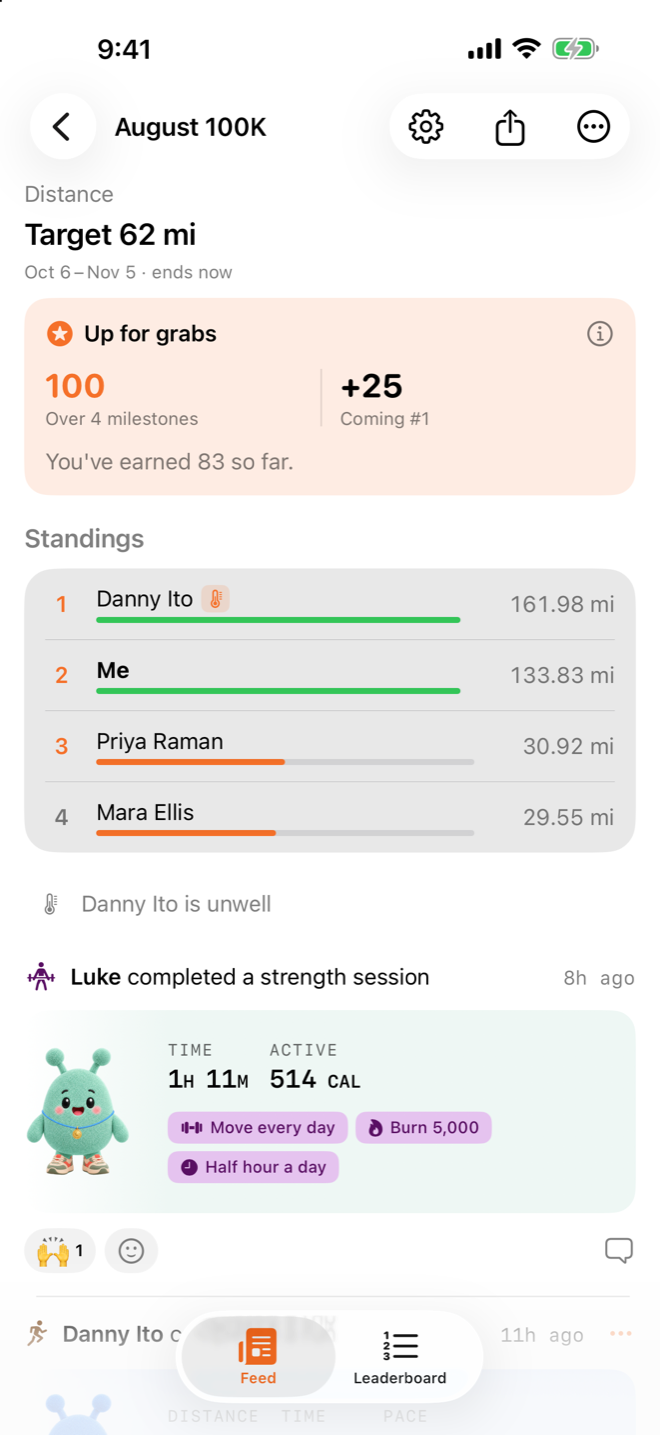
How to run a walking pad challenge with friends in Puffin'
Start a distance challenge, share the code, then connect your WalkingPad or UREVO pad on an indoor walk so every mile counts.
-
How Puffin' Points work in fitness challenges with friends
Puffin' Points are a lifetime record of the challenge goals you hit with friends. Here's how you earn them, when they arrive and where to see them.
-
How to pause a fitness challenge when you're sick or traveling
Turn on Rest in Puffin' when you're unwell or away. Missed days aren't held against you, and your friends can see why you're quiet.
-
How to set up a cycling challenge with friends in Puffin'
Make a Puffin' challenge that only counts rides, or any mix of workouts you pick, then invite friends with a code and get a ping when they ride.
-
How to track a workout without an Apple Watch in Puffin'
Record a workout on your iPhone in Puffin'. It maps your route with GPS, shows on your Lock Screen and saves the workout to Apple Health.